Experiment 1


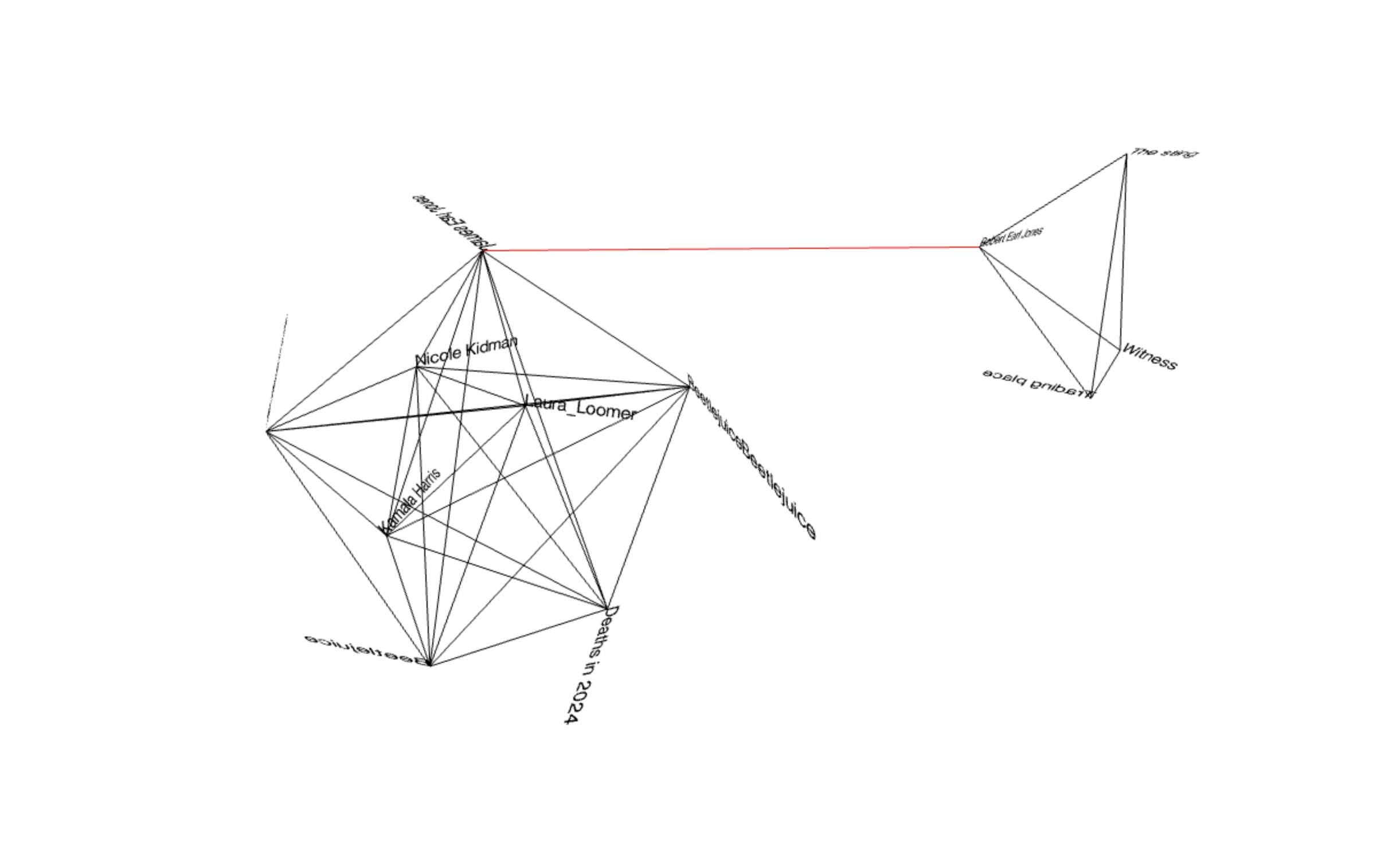
While researching non-linear structures, I came across network models and sitemaps that resemble intricate, interconnected web-like geometric shapes. Inspired by these patterns, I created a non-linear structure using the most searched terms on Wikipedia, transforming them into a dynamic and visually connected model.

Experiment 1

Experiment 2


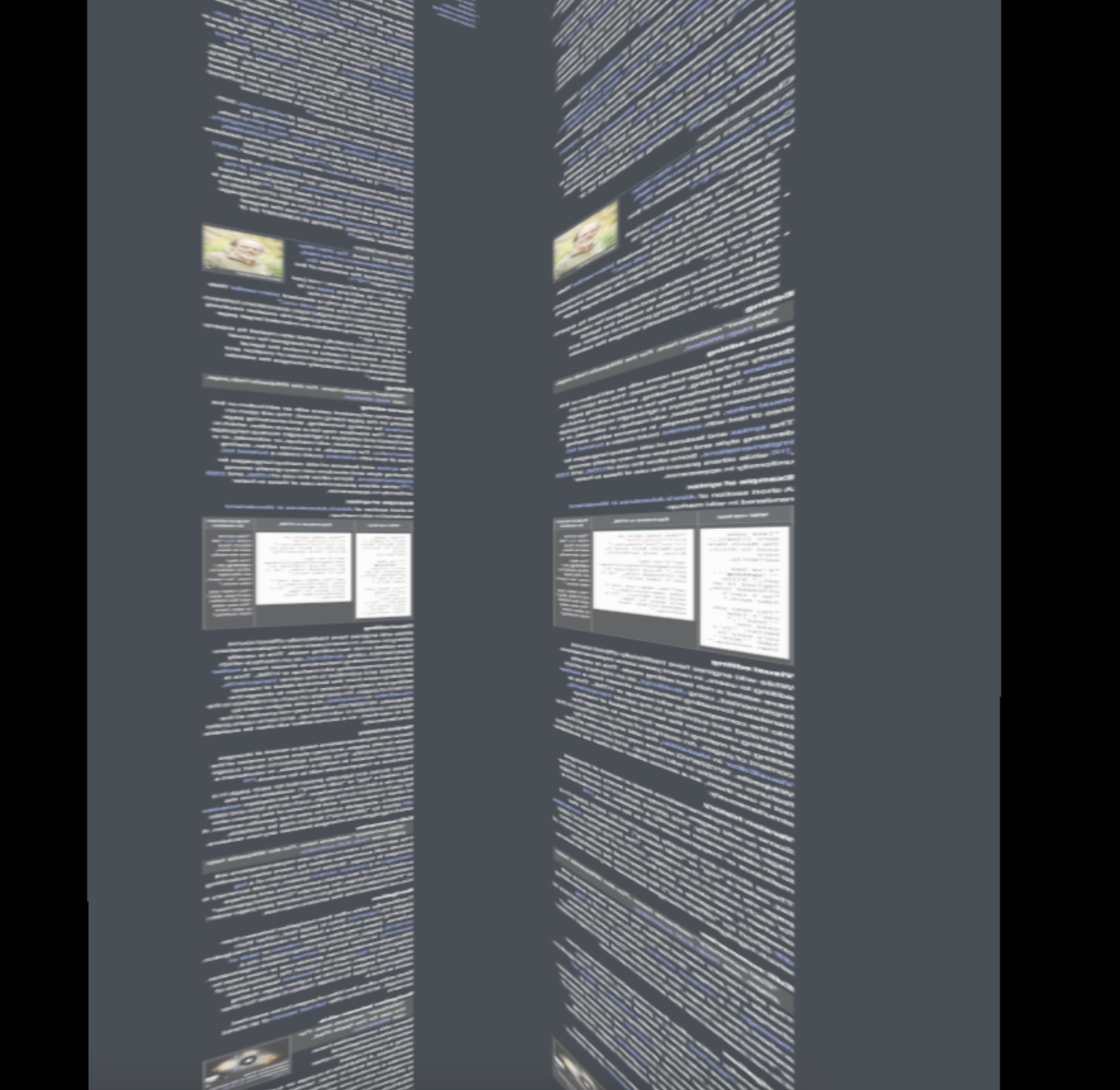
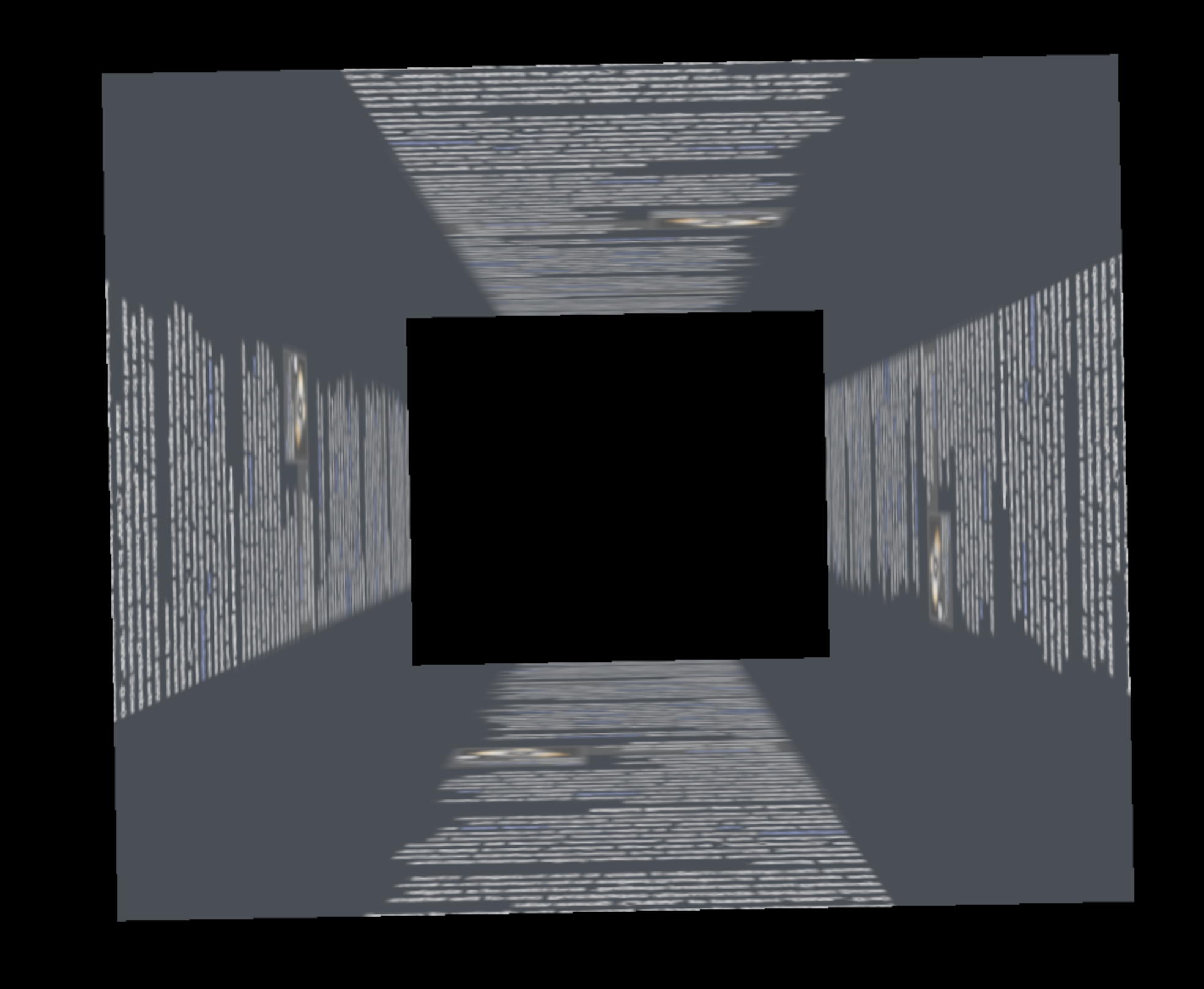
After first encountering the concept of non-linear navigation, I was inspired by the randomness of access. I explored this idea by mapping a web page into a 3D cube.

Experiment 2 Experiment 2 Experiment 2

Experiment 3


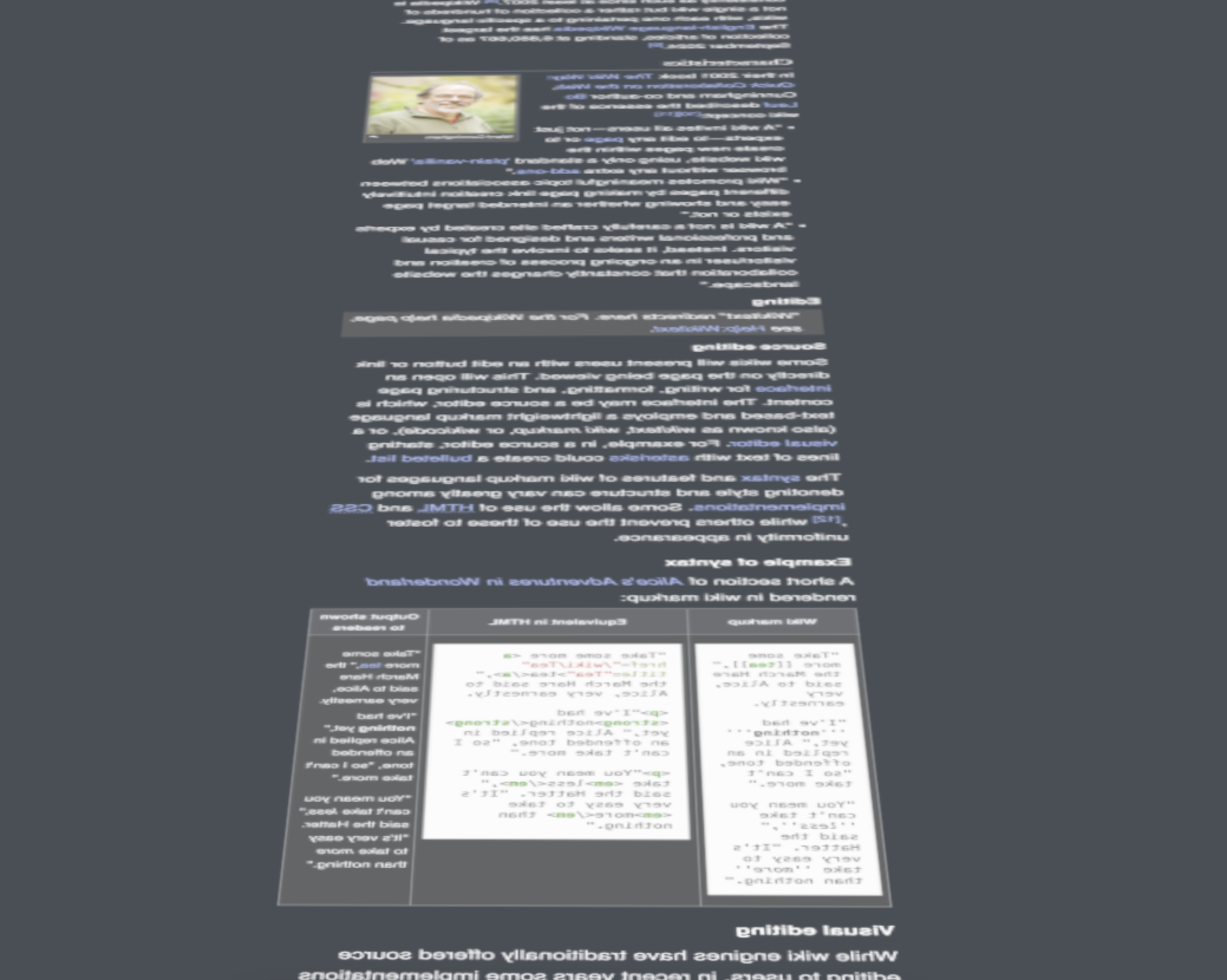
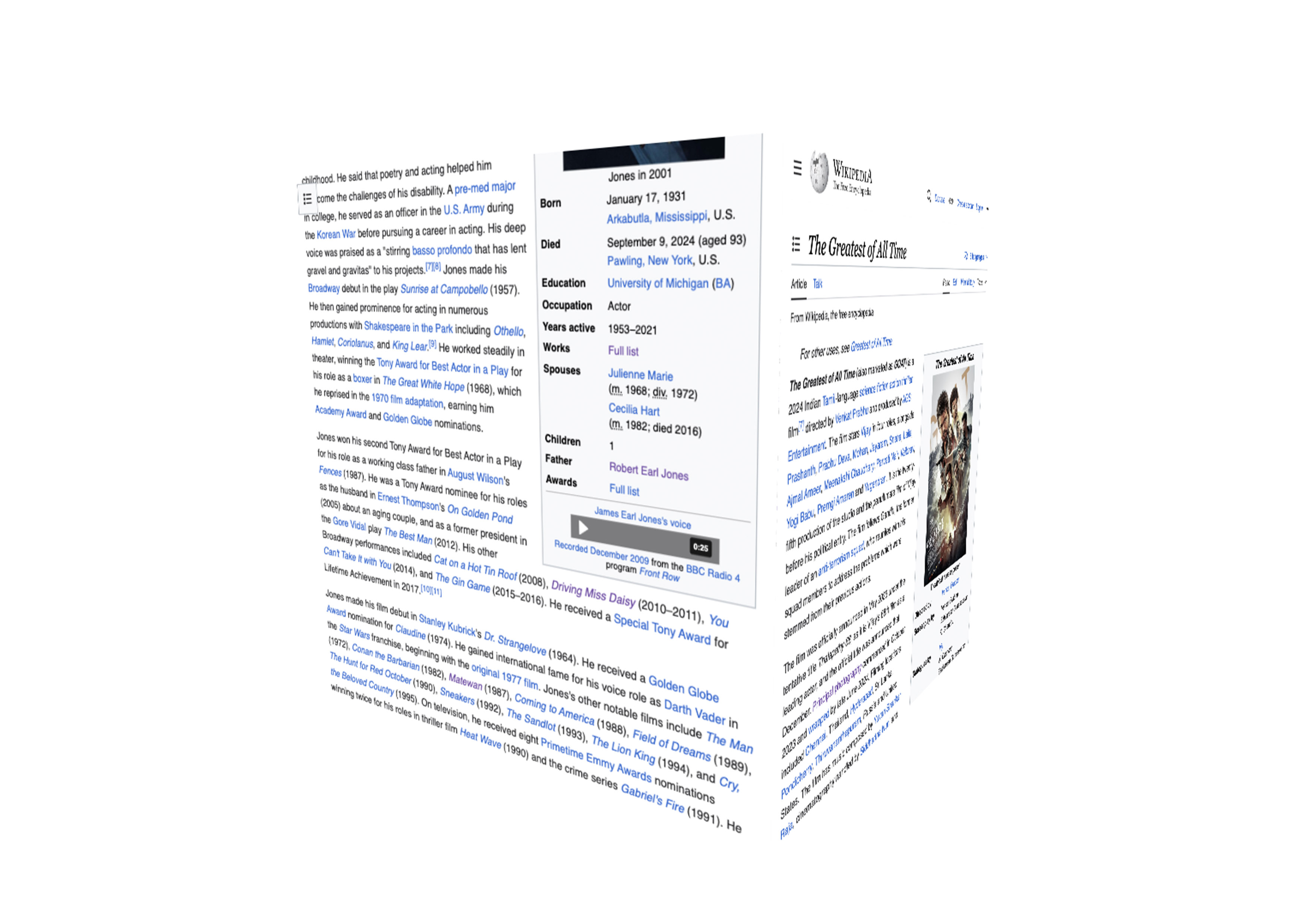
Having tried to arrange the pages spatially, I created a cubelike form which allows users to browse 4 pages at once, by loading the actual Wikipedia pages as an iframe.

Experiment 3

Experiment 4


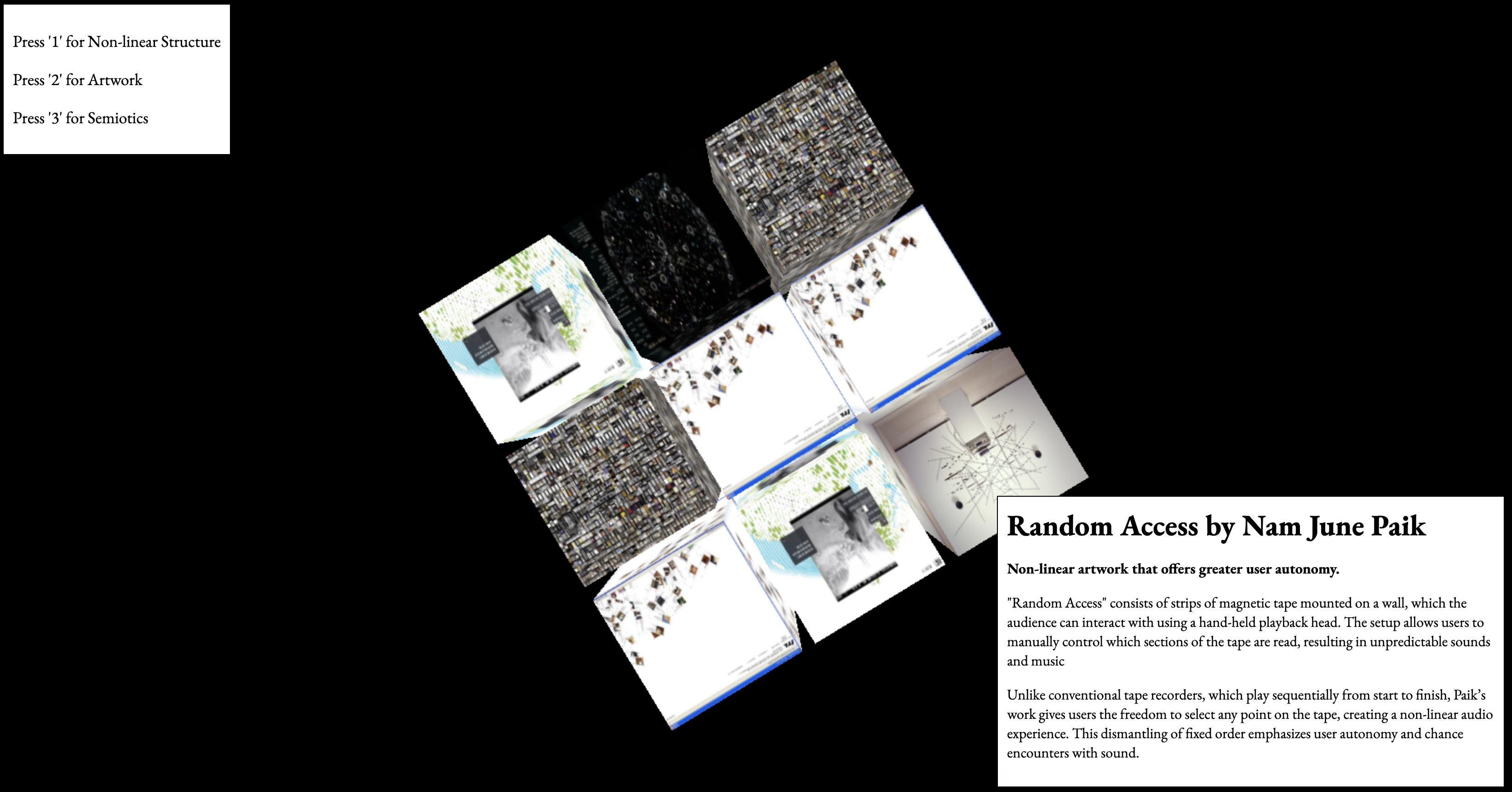
Following the experiment of making a Wikicube, I connected cube shapes to make a structure in the shape of a Rubik's cube. All the contents are references that I found while researching materials or being inspired by this project. When users click on each image, a description is displayed in the lower right corner.

Experiment 4 Experiment 4

Prototype 1 - Cascading Cubes

Ultimately, the purpose of the project was to apply a non-linear navigation method in the information space, and for this reason, a series of experiments were conducted to place it in the space and the project was created.

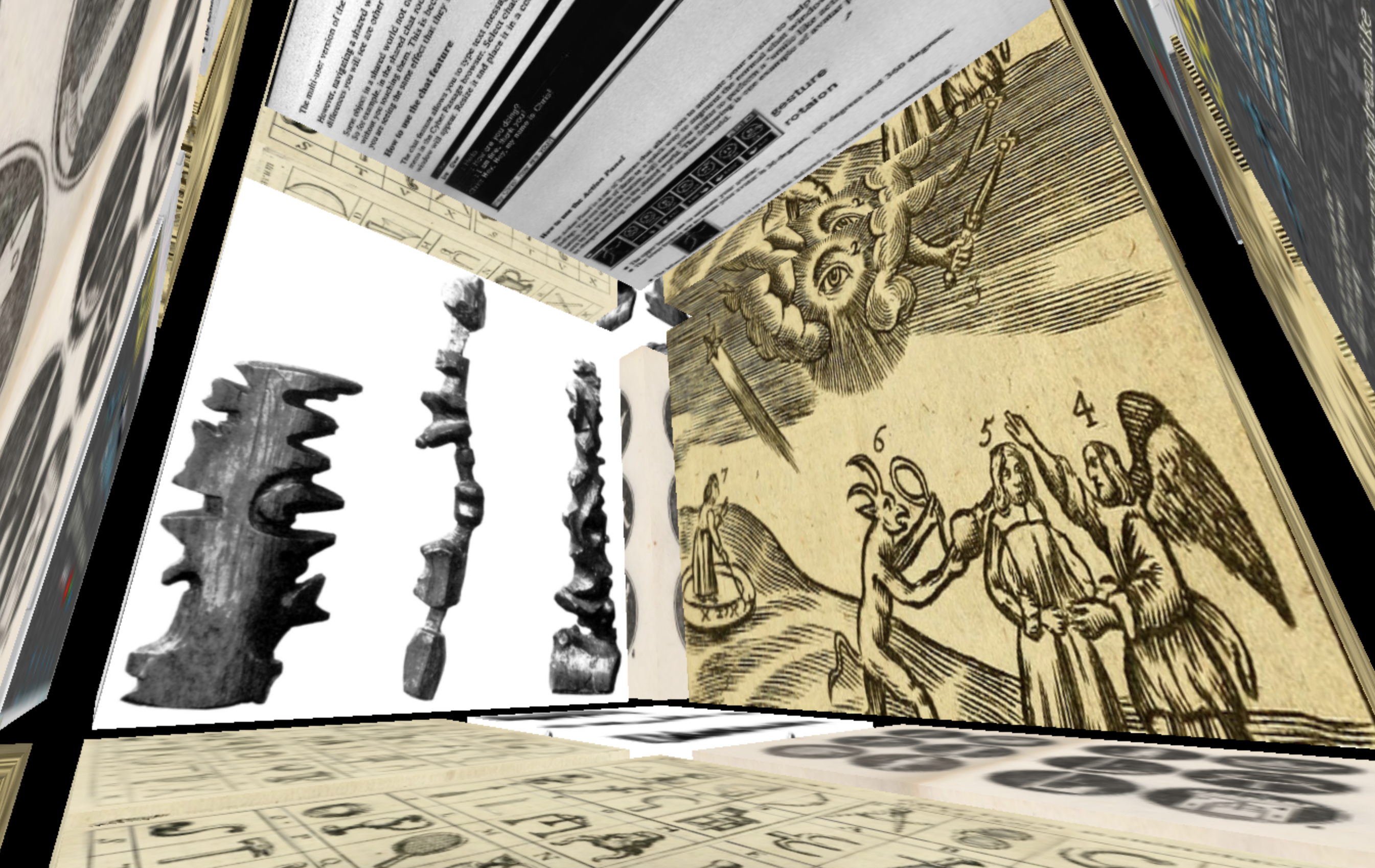
In this website, the cubes were placed in a cascading structure in that space. Each structure is divided into three categories, and each is divided into three parts: artwork, semiotics, and nonlinear structure, which were images of my references while carrying out the project.

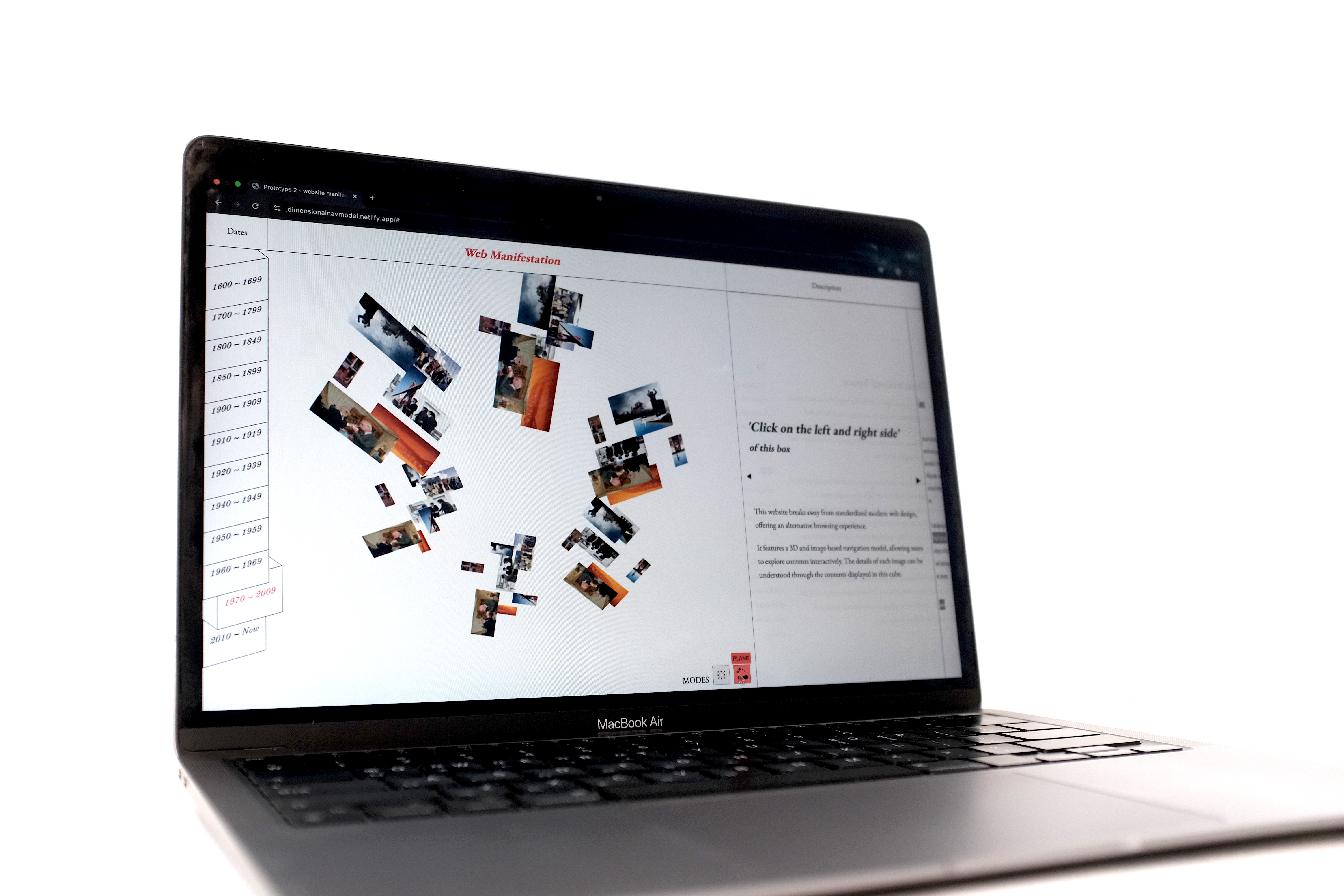
Prototype 2 - Web Manifestation

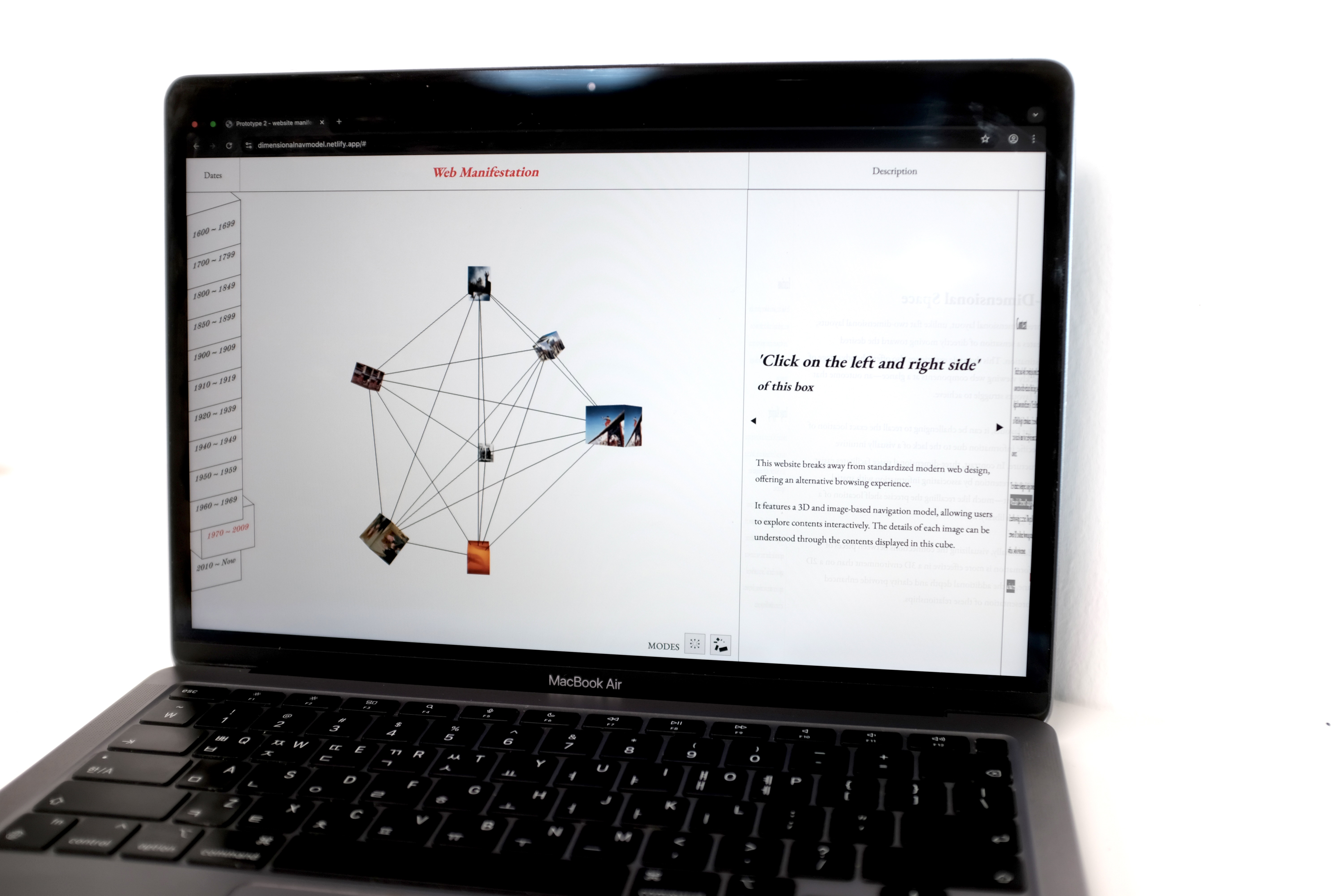
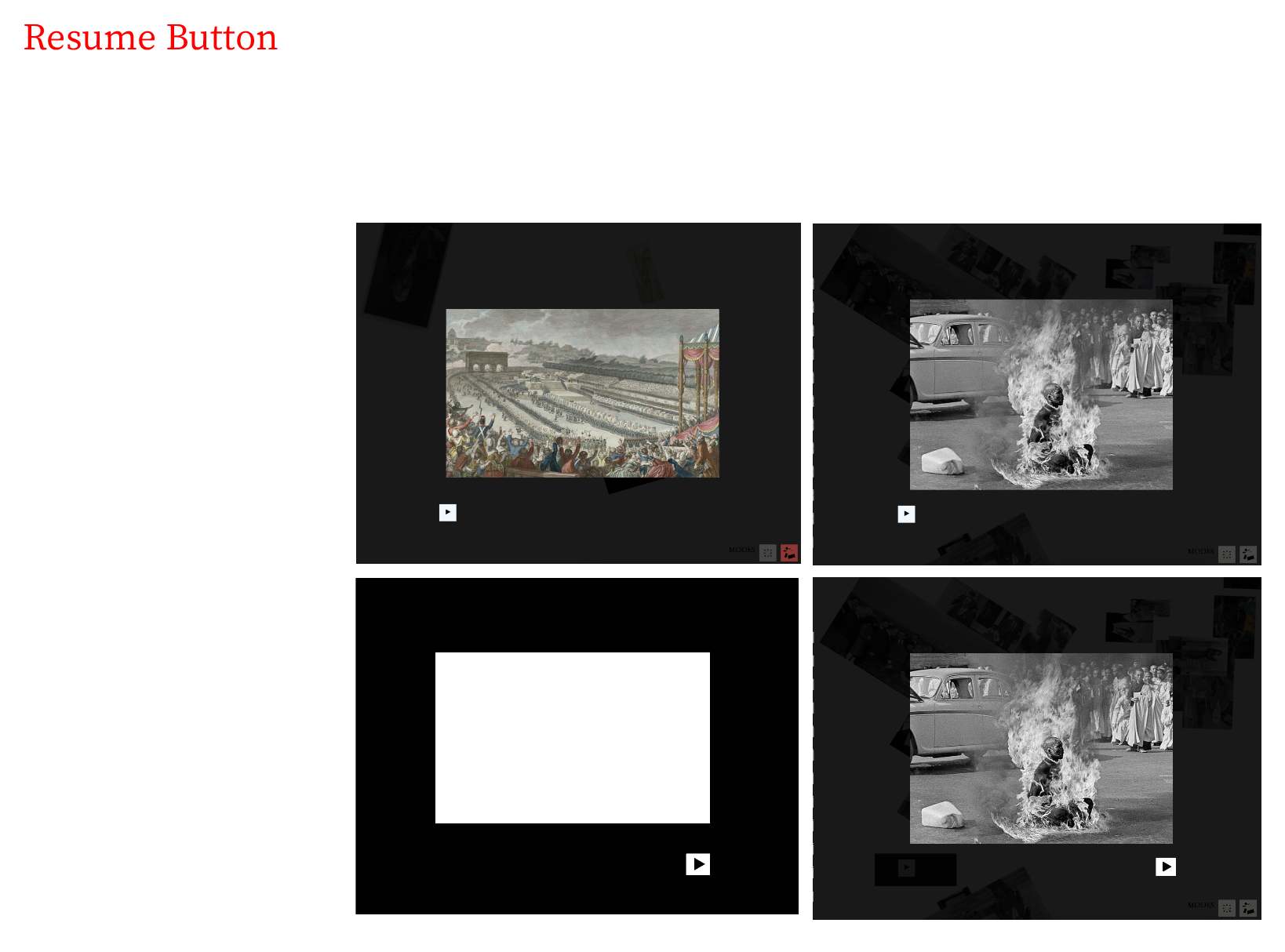
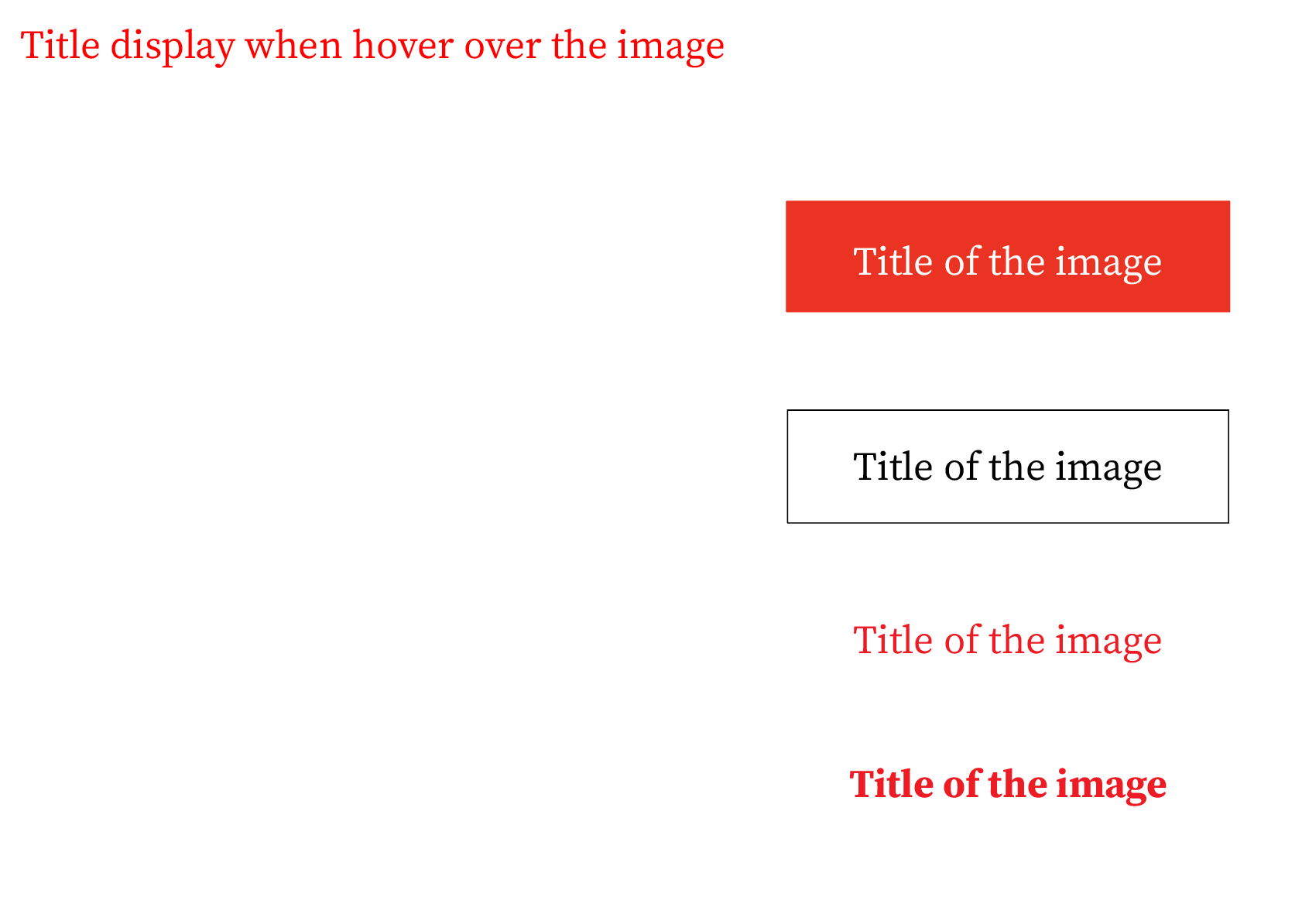
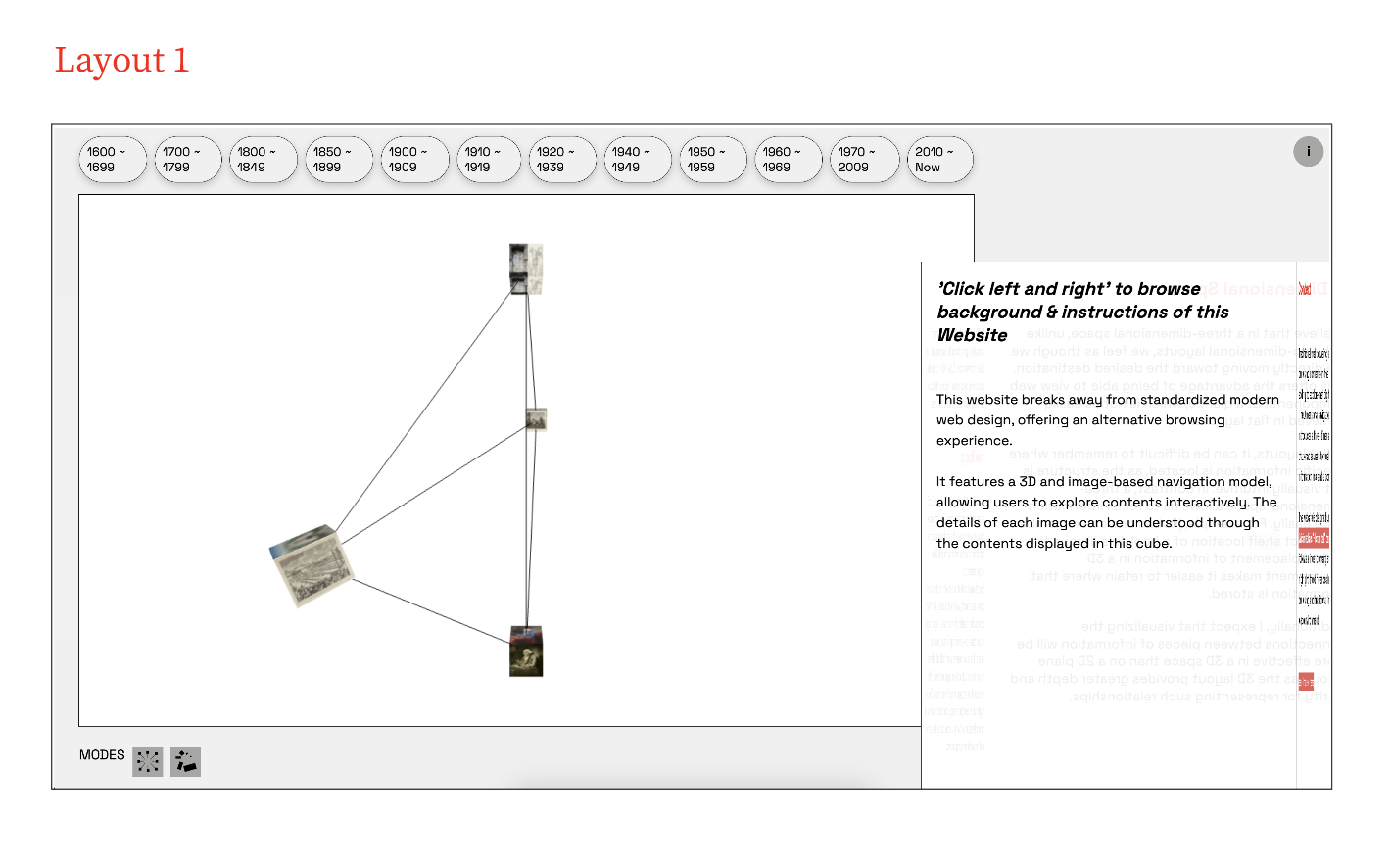
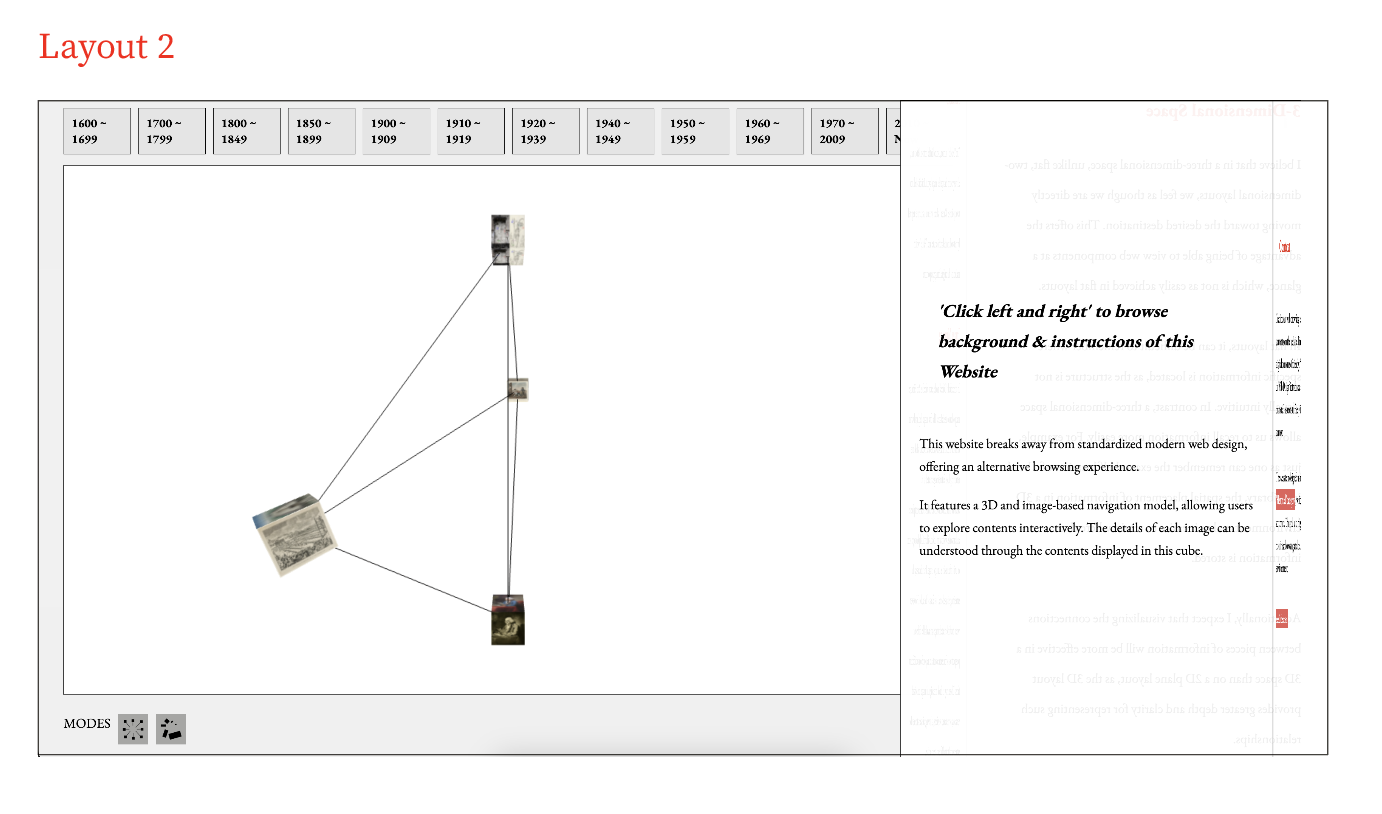
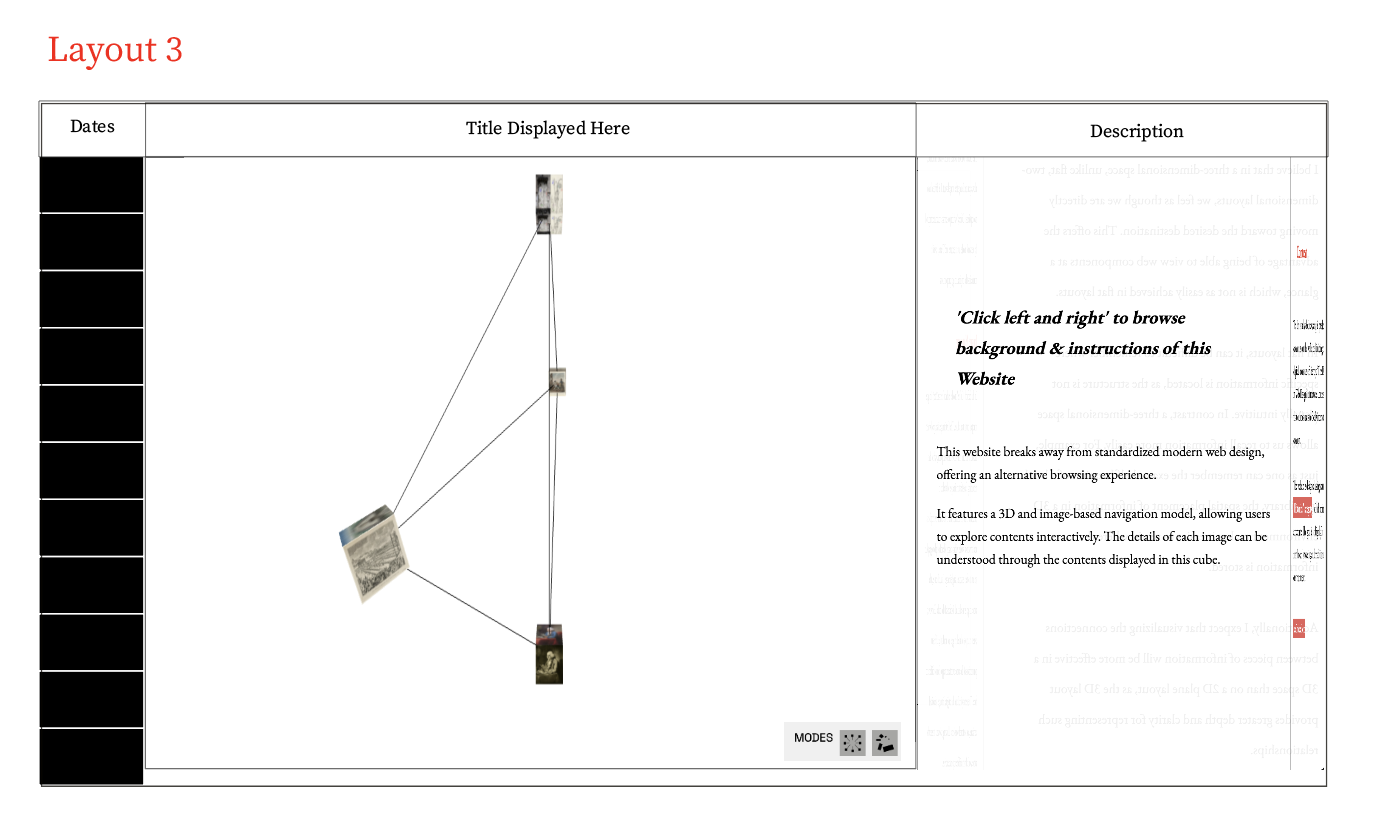
Since 3D elements and scenes were utilized in the process of creating this website, the technical part was created first and then the website elements such as various buttons, titles, and the arrangement of elements were tested.

Prototype 2 Prototype 2

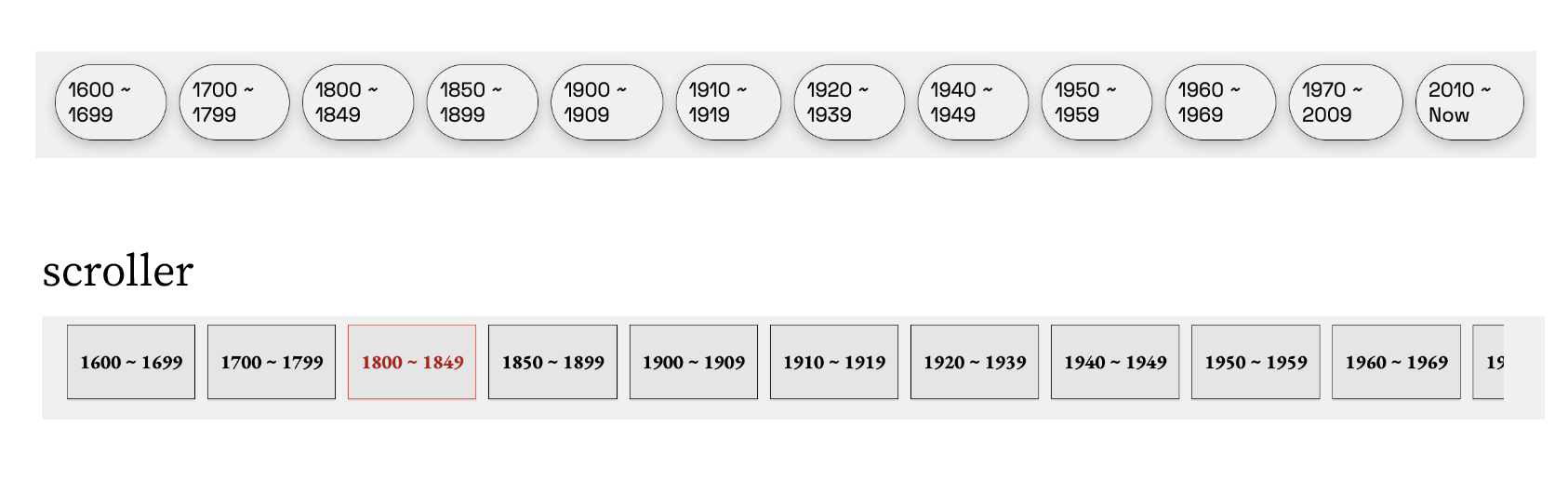
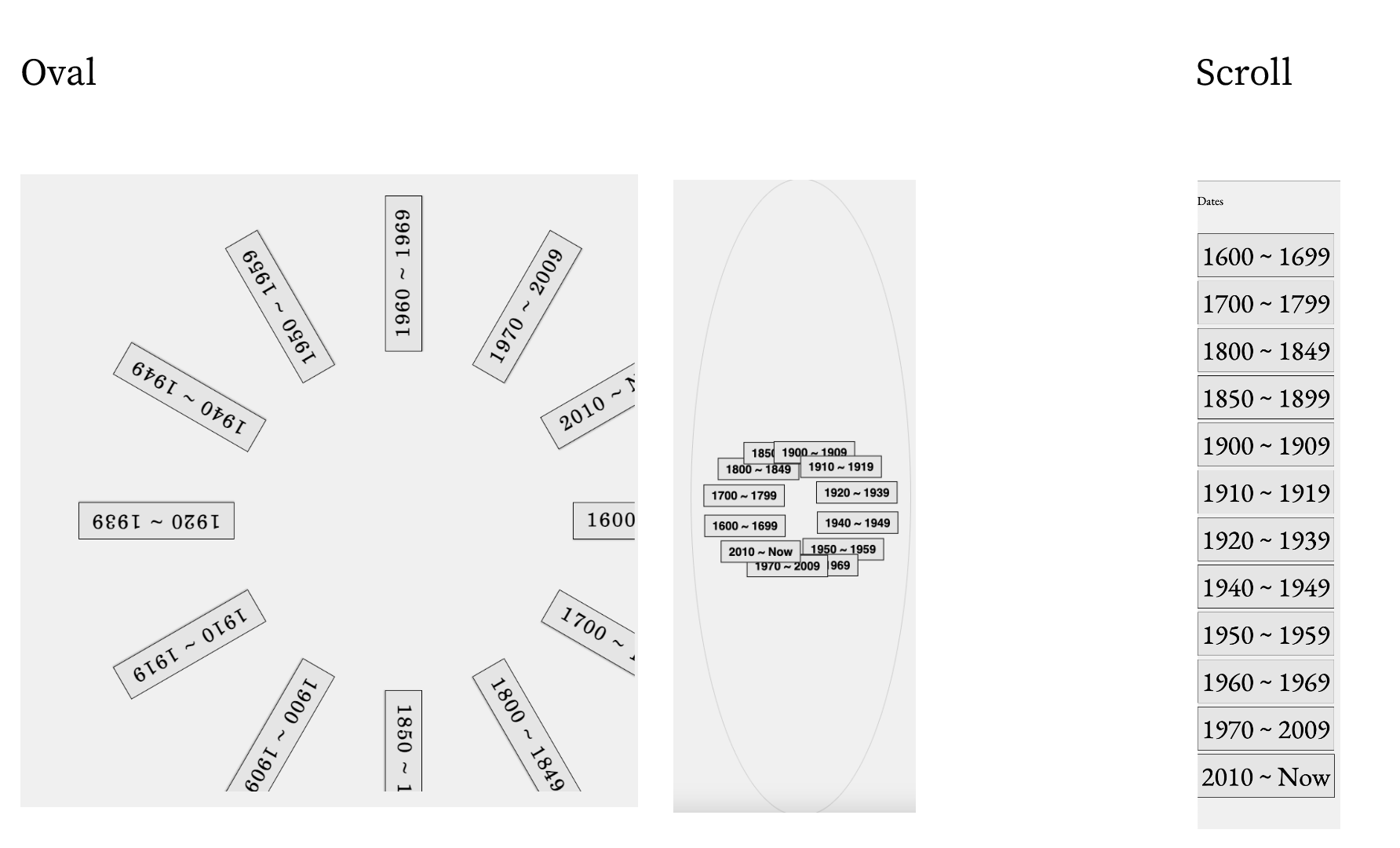
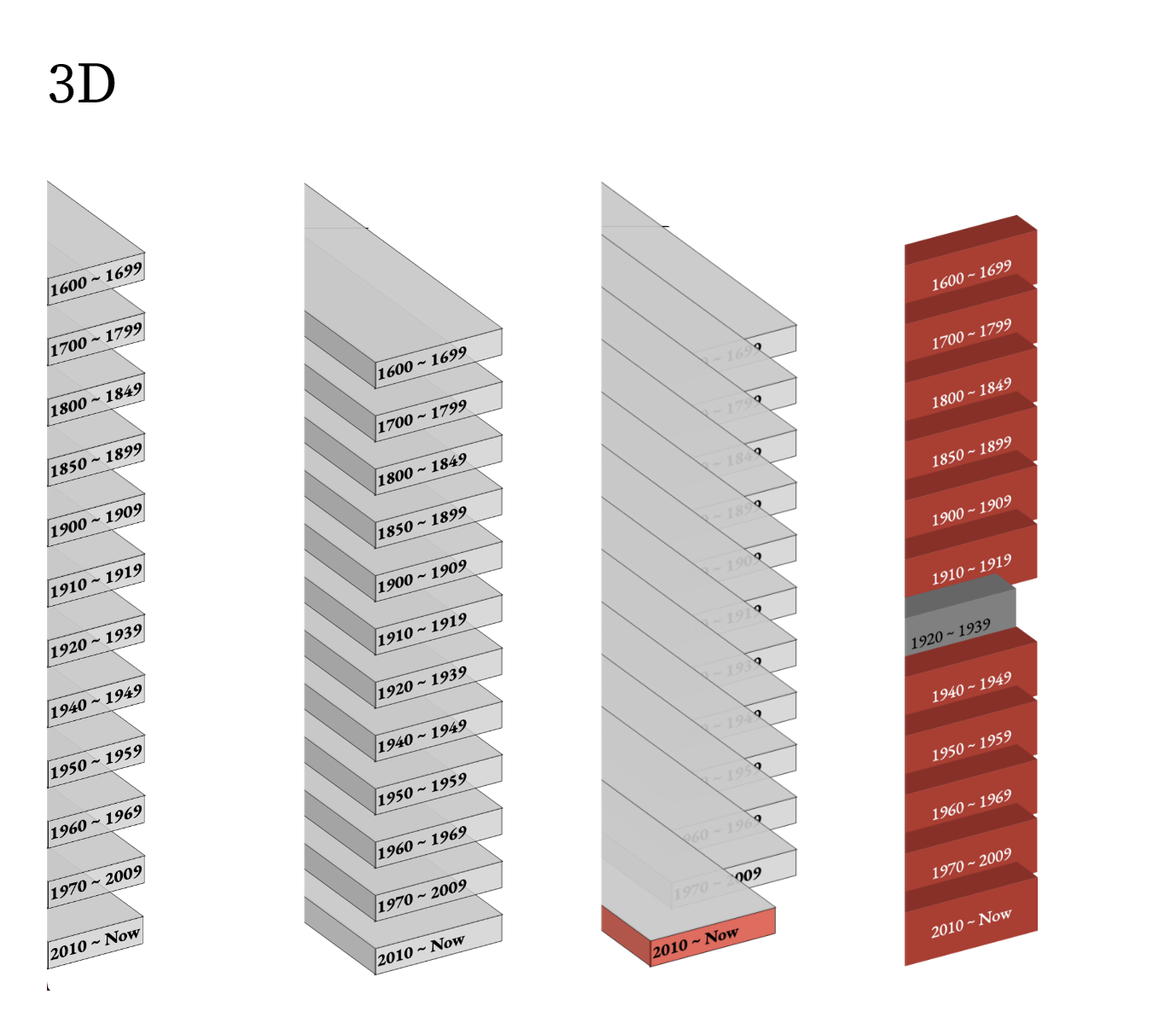
Navbar Process

Prototype 2 Prototype 2 Prototype 2

Button Process

Prototype 2 Prototype 2

Layout Process

Prototype 2 Prototype 2 Prototype 2
About
Experiment 1 ~ 4
Prototype 1
Prototype 2